Featured Training
Our current flagship training tracks for plant-design users and administrators.
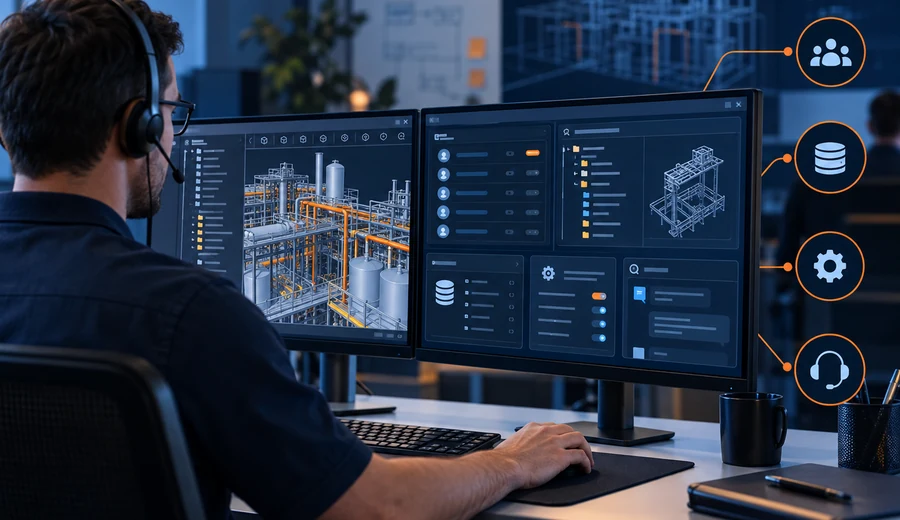
AVEVA E3D Administration
Project setup, users, teams, databases, MDB configuration, administration routines, troubleshooting and day-to-day project support workflows.

E3D Designer / 3D Modelling
Practical modelling for equipment, piping, structures, supports, model navigation, coordination and project-oriented design workflows.
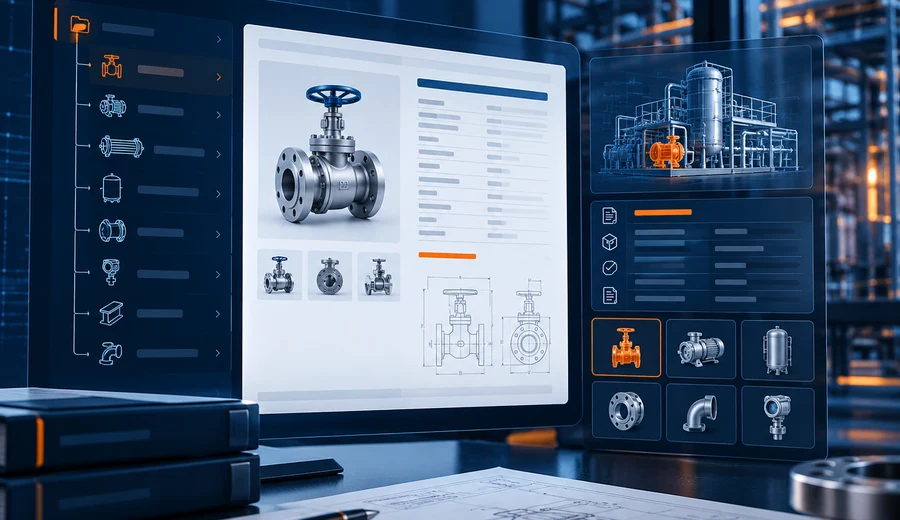
Smart 3D / S3D Administration
Project configuration, administration concepts, reference data, environment management, troubleshooting and technical support workflows.
More Engineering Software Courses
Filter by discipline to quickly find training relevant to your role.
AutoCAD 2D & 3D
Develop core drafting and 3D modelling skills for engineering drawings, layouts and general design applications.
Revit Structure
Learn structural BIM modelling workflows for framing, foundations, reinforcement coordination and drawing development.
Revit Architecture
Build practical architectural BIM skills covering model development, views, documentation and coordinated design workflows.
BIM Modelling
Understand coordinated BIM modelling concepts, multidisciplinary model development and project-based digital workflows.
MicroStation
Learn engineering drafting, model navigation, drawing creation and practical CAD workflows using MicroStation.
Tekla
Develop structural modelling and detailing knowledge for steel and related engineering model-development workflows.
Autodesk Plant 3D — User & Admin
Learn Plant 3D user workflows together with project setup, configuration and administration concepts for project environments.
Choose the training format that fits your learning goal.
Trainopedia supports different learning styles — from self-paced access to direct instructor interaction and customized corporate batches.
Self-Paced Learning
Learn through structured course videos and modules with account-based course access.
Flexible schedule · Learn at your paceInstructor-Led Group
Join scheduled interactive sessions with a structured batch and instructor guidance.
Live learning · Group interaction1-to-1 Professional Training
Focused individual sessions aligned to your experience, questions and learning objectives.
Personalized guidance · Direct interactionCorporate Training
Customized training programs for engineering teams, project groups and organizational requirements.
Team batches · Customized curriculumFrom Course Enrollment to Practical Expertise
Select Course
Choose the software and learning track based on your role or goal.
Learn Concepts
Follow the structured curriculum and understand the workflow foundations.
Practice
Work through guided examples, software activities and project-oriented exercises.
Clarify & Review
Resolve questions and reinforce important topics through guided support.
Complete Course
Finish the learning path and receive the applicable Trainopedia course certificate.
Need training for yourself or your engineering team?
Tell us the software, learning goal and preferred training mode.